Skip to content

Main Interface

Start Your Day with Priorities, Not by Searching for Updates

Case, hearing, and task information may exist within the firm, but it is often distributed across lawyers, email, calendars, and files. This consumes management time gathering updates, and a delay or critical file may not surface until a follow-up meeting or a client inquiry.

The Main Interface gives firm management and the team one daily starting point showing key work, deadlines, and alerts linked to each user according to role and permissions. Each person starts the day with a clear view of what requires action, approval, or escalation, rather than relying solely on memory and individual follow-up.
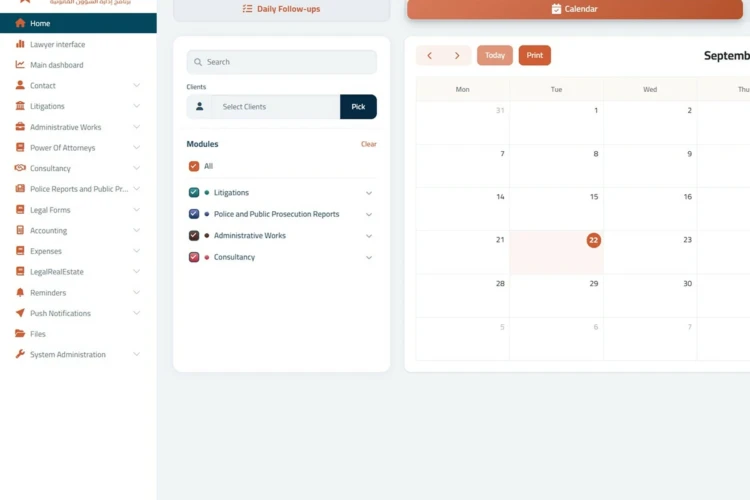
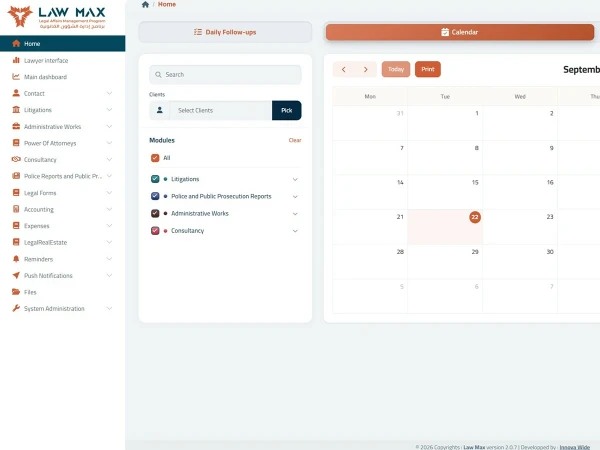
What Does the Module Display / Manage?

  • Active and recent cases and files.
  • Upcoming hearings and legal deadlines.
  • New, open, and overdue tasks.
  • Work awaiting review or approval.
  • High-priority files or files not updated for some time.
  • Hearing-delegation requests and documents required for hearings.
  • Powers of attorney and licences nearing expiry.
  • Invoices, expenses, or client requests requiring action.

Questions This Module Answers

  • What work requires follow-up today?
  • What hearings and deadlines are approaching, and what needs to be prepared?
  • Which tasks are overdue or awaiting approval?
  • Who is responsible for each action or file?
  • Which files require firm-management intervention?
  • Are any documents, powers of attorney, or licences missing?

How Does It Help Firm Management and the Team?

Monitors priorities and files requiring a decision without waiting for manual reports.

Sees critical and overdue work and reallocates resources when needed.

Starts the day with hearings, tasks, and files linked to them in one place.

Tracks required work and missing documents without constantly going back to lawyers.

Value & Operational Return

  • Reduce time spent searching and requesting updates.
  • Identify overdue work early.
  • Improve clarity of priorities and responsibilities.
  • Support continuity when someone is absent or a file is transferred.
  • Bring work requiring decisions into one place.

The Main Interface is not a login screen; it is a daily operations center linking required work to the responsible person, deadline, and legal file.
